

Overview
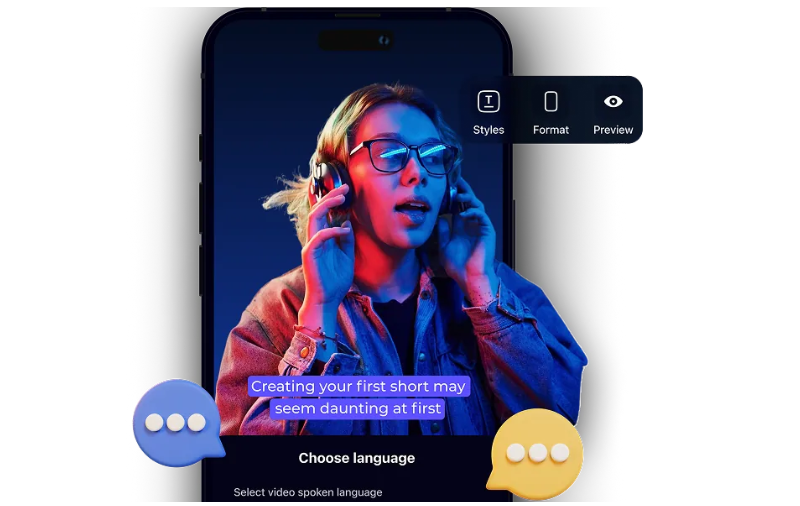
AI voice dubbing has completely transformed the way we create multilingual video content. Instead of relying on traditional voiceover methods that demand time, recording equipment, and multiple speakers, AI-powered dubbing tools can now replicate natural human speech across languages. These tools make it easier to localize content, reach wider audiences, and maintain the original tone and emotion of the speaker. Whether you’re a content creator, educator, or business owner, AI voice dubbing helps you connect with people in their native language — with speed and authenticity.
1. Invideo AI
Overview:
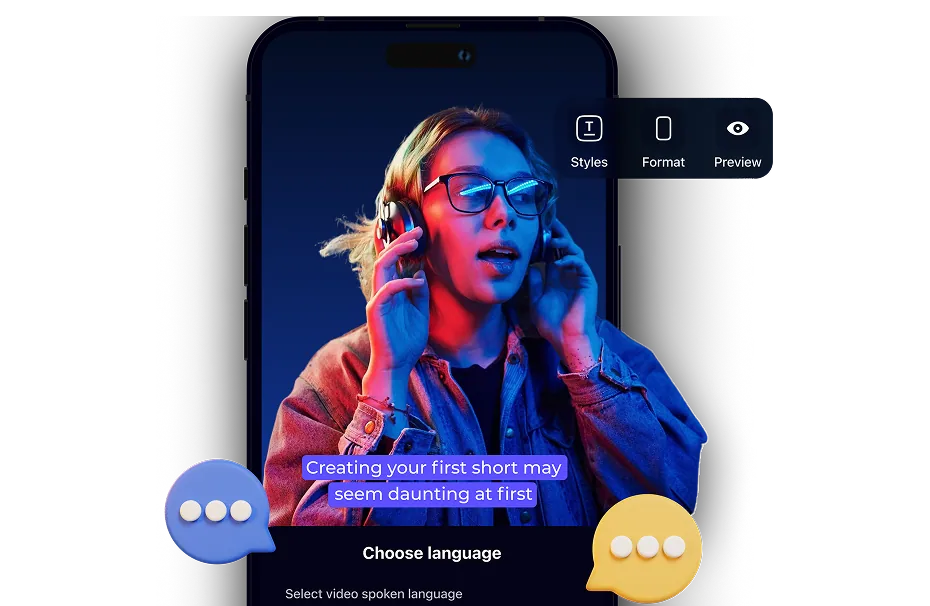
Invideo AI is a powerful platform that offers a wide range of features for video creation, and one of its standout capabilities is AI video dubbing. It allows users to automatically dub videos into multiple languages while preserving the speaker’s tone and delivery. You can generate voiceovers in natural-sounding human voices that feel lifelike and clear.
Features:
- Supports dubbing in 50+ languages
- Retains voice emotion and pacing
- Auto-syncs voiceover with speaker lip movements
- Simple prompt-to-video workflow
Pros:
- Quick and easy to use
- Accurate translations with voice realism
- Great for businesses, tutorials, and international content
Cons:
- Requires internet access for real-time generation
- Limited customization for voice style
Also, if you’re looking to edit or dub content on the go, the ai video app by invideo AI is available for mobile users. It allows creators to dub videos using AI directly from their smartphones, making it a handy option for fast and mobile-first content production.
2. Dubverse
Overview:
Dubverse is designed for fast and scalable video dubbing. It caters to users who want to quickly turn single-language content into multilingual videos.
Features:
- Text-to-speech dubbing
- Multiple regional language support
- On-screen subtitle options
Pros:
- Fast turnaround
- Wide language range
- Easy-to-use interface
Cons:
- Limited voice tone variation
- Occasional sync delays
3. Rask AI
Overview:
Rask AI specializes in localizing video content for global audiences. It automatically translates and dubs videos while preserving facial expressions and timing.
Features:
- Language detection
- Subtitle and dubbing support
- Face alignment in multilingual dubs
Pros:
- Good for social media videos
- Decent voice quality
- Supports many platforms
Cons:
- Editing controls are limited
- Can be slow for longer videos
4. LipDubber
Overview:
LipDubber focuses on creating lip-synced voiceovers in different languages. It’s ideal for short content pieces that need precise visual alignment.
Features:
- AI-generated voices
- Lip-sync accuracy
- Multi-language dubbing
Pros:
- Natural mouth movement match
- Works well for marketing videos
- Clean user interface
Cons:
- Limited to short videos
- Fewer voice styles available
5. Speak AI
Overview:
Speak AI provides transcription and translation features along with AI dubbing. It’s best suited for business and academic use cases.
Features:
- AI voiceovers in multiple languages
- Automated transcription
- Content analysis tools
Pros:
- Detailed data insights
- Combines audio and video tools
- Professional voice tones
Cons:
- Less suitable for entertainment content
- Some languages lack variation
6. Revoicer
Overview:
Revoicer focuses on AI-generated voiceovers with emotional tones. It’s helpful for YouTube creators and video tutorials that require expressive narration.
Features:
- Realistic emotional voices
- Bulk voice generation
- Multi-language support
Pros:
- Emotional depth in voice
- Good for explainer videos
- Simple interface
Cons:
- Doesn’t offer detailed video editing
- Not ideal for very short clips
7. DubBuddy
Overview:
DubBuddy provides fast AI dubbing solutions with an emphasis on content creators and small businesses. It’s simple and intuitive, perfect for beginners.
Features:
- Text-to-speech AI
- Easy subtitle addition
- Auto lip-sync for dubbed content
Pros:
- Beginner-friendly
- Affordable plans
- Easy editing tools
Cons:
- Limited voice choices
- Basic editing features
8. Verbatik
Overview:
Verbatik is focused on delivering realistic voiceovers with customizable tones and accents. It supports a wide range of audio formats and is often used for audiobooks and presentations.
Features:
- Custom voice pitch and tone
- Hundreds of voice variations
- Multiple language support
Pros:
- Great customization options
- Natural pronunciation
- Offers long-form voice creation
Cons:
- Not tailored for lip-syncing
- Voice sync might need manual adjustment
9. DubEdit
Overview:
DubEdit offers a practical way to add voiceovers and subtitles to your videos using AI. It’s often used by educators, small creators, and marketers for quick dubbing needs.
Features:
- Voiceover generation
- Dubbing with subtitle support
- Multi-language support
Pros:
- Simple dashboard
- Time-saving automation
- Low learning curve
Cons:
- Voice realism varies
- Limited emotional range
Conclusion
AI voice dubbing tools are bridging the gap between creators and global audiences by offering human-like voiceovers at scale. Whether you’re running a business, creating educational material, or building a content channel, these tools can help you maintain a natural tone while reaching viewers across languages. With improved emotion, pacing, and sync, AI voice dubbing is no longer a futuristic idea — it’s already reshaping how we tell stories worldwide.
